Train a sound detector without writing code.
In GrizCam Desktop, Tools → Classifiers turns the calls you have annotated into a reusable detector for that sound: a howl, a chorus, a gunshot, a bird call. Training a detector and running it are both part of the free version.
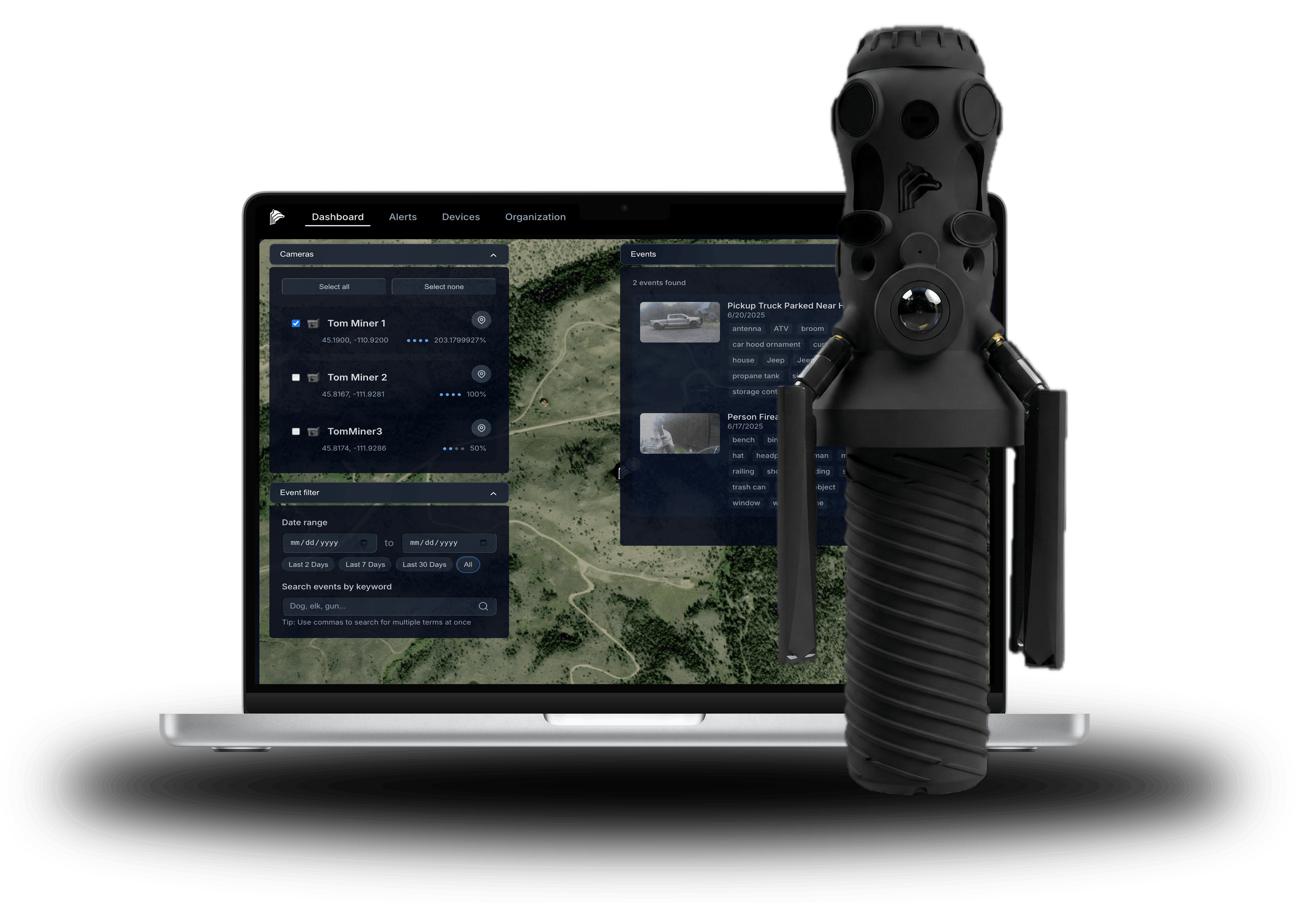
What is free in GrizCam Desktop.
- AI annotate: run BirdNET+ (from the BirdNET team; birds and other wildlife worldwide), Perch 2.0 (birds and many other species), PNW-Cnet (owls and other Pacific Northwest species) and Cry Wolf (wolf howls and wolf choruses) over thousands of recordings from any recorder, and review what they find before adding it to your annotations.
- Build your own AI, no code: train a detector from your own recordings on Perch and Earth Species Project foundation models, tested on whole sites and months it never heard, with its precision, recall and false alarms per hour shown before you trust it.
- WAV, MP3 and FLAC files from any recorder, on Windows or an Apple‑silicon Mac.
And what it does with them
- Recorder maps, call clustering and acoustic indices.
- Biologger and collar tracks over the audio.
- Direction of arrival from GrizCam's six‑microphone array.
- With a GrizCam and Pro, camera captures played with the audio around them.
From your annotations to a detector.
Pick the one sound to find and the look-alikes it keeps confusing with it. GrizCam Desktop draws background examples from the parts of your finished files that hold no target, three for every positive by default, so the detector learns what your site sounds like without it.
Two optional steps make it sharper. One round of hard-negative mining scores your files, takes the background it wrongly fired on, and refits once. Augmentation trains on shifted and reverberated copies of each call, so the detector holds up in other recording conditions.
Six foundation models to listen with.
The detector builds on a bioacoustic foundation model that turns audio into numbers a classifier can read. Choose from six: Perch 2.0 and five other bioacoustic foundation models. Each is a third-party open model used under its own license.
A linear probe is the default decision head. A prototype head can separate look-alike calls better when you have few negative examples.
Measured on files it never heard.
Hold back 20% of your files by default, whole recording sites first, then whole months, so the detector is tested on places and times it never trained on. When training ends, it runs on them and you review every detection: real, leave alone, or false alarm. Confirmed false alarms fold back in on a refit.
The results show precision, recall, F1 and false alarms per hour, and on the test set the detections, misses and false alarms at each confidence cut-off. Set the threshold from how rare the sound really is and how many false hits per hour you can live with, and GrizCam Desktop picks the most sensitive setting that stays inside that budget.
A wolf-howl detector, built this way.
The Cry Wolf classifier was trained in GrizCam Desktop on The Cry Wolf Project's Greater Yellowstone recordings. The same classifier can run on a GrizCam in the field, flagging the call as it happens.
Before you train, the free tools find and sort the calls: free passive acoustic monitoring software.
What it asks of you.
The first time you use a model, the app downloads its weights over the internet. On Windows, training is faster on an NVIDIA graphics card with the CUDA build.
A detector is only as good as the annotations behind it, and the hold-out review is how you find out. GrizCam Desktop is in beta, so expect change.