Camera-trap captures, and the sound around them.
GrizEyes is the image and video workspace in GrizCam Desktop. It is free on Windows and macOS for photos and video from most trail cameras, and it runs on your own computer. Sign in once; after that it works offline for up to 180 days.
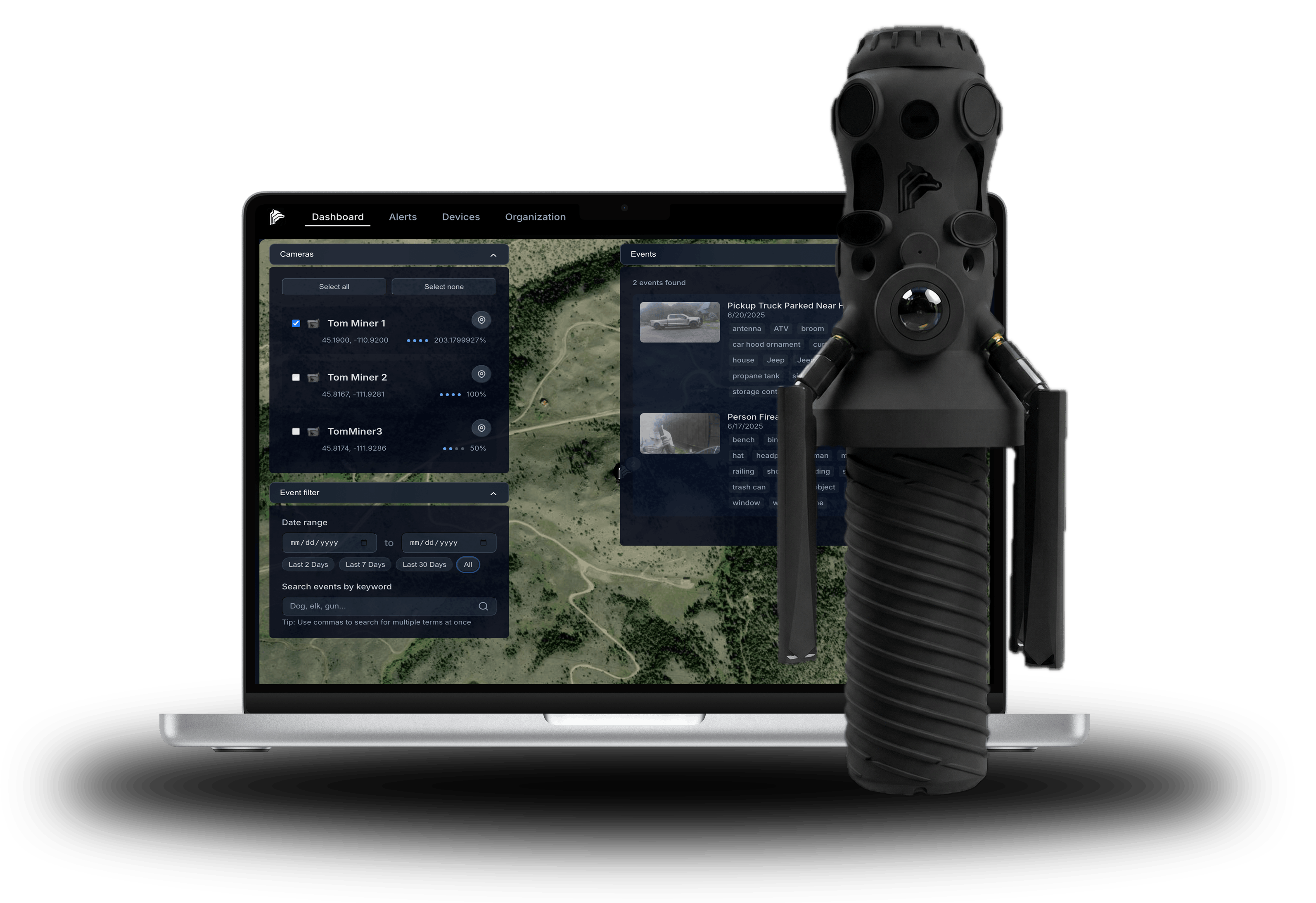
A folder of captures, in order.
Open a folder of JPEG or PNG photos and MP4, MOV or AVI video. GrizEyes reads each photo's own date stamp and each video's creation time, so the captures line up by when they happened.
Place a camera on the map by giving its folder a location. Record what each capture holds, trim and crop the clips worth keeping, and export the results. All of this is in the free version.
Hear what happened before the picture.
A GrizCam records sound as well as images. In GrizEyes, each capture from a GrizCam plays with the audio from the minutes before and after it, so you hear what led up to the frame and what came next.
GrizCam Pro Desktop Software adds the device's deployment feed, a scene viewer with that synchronized audio, panoramas stitched from the 280° view, and AI annotate: it finds each animal in a capture, then names it.
See real panoramas and video from deployed devices on the GrizEyes page, and the audio side on free passive acoustic monitoring software.
What it does not do yet.
AI annotate in GrizEyes is part of Pro. GrizEyes does not yet read HEIC, TIFF or camera RAW photos, or ASF, WMV and M4V video, and it does not read a date printed onto the image itself.
You need a GrizCam account, even for the free version. And GrizCam Desktop is in beta, so expect change.